Open Access
Sliding Puzzle Game
Study break with a sliding puzzle.
Follow this quick guide to level up your lesson:
Step 1: Open your lesson plan file in myViewBoard.
Step 2: Click the Magic Box on the main toolbar and select Originals - Original Content.
Step 3: In the new window, find the Sliding Puzzle Game. (Tip: The quickest way is to select the subject menu under "Gamification").
Step 4: Apply it to your canvas by selecting the specific game page you want to import.
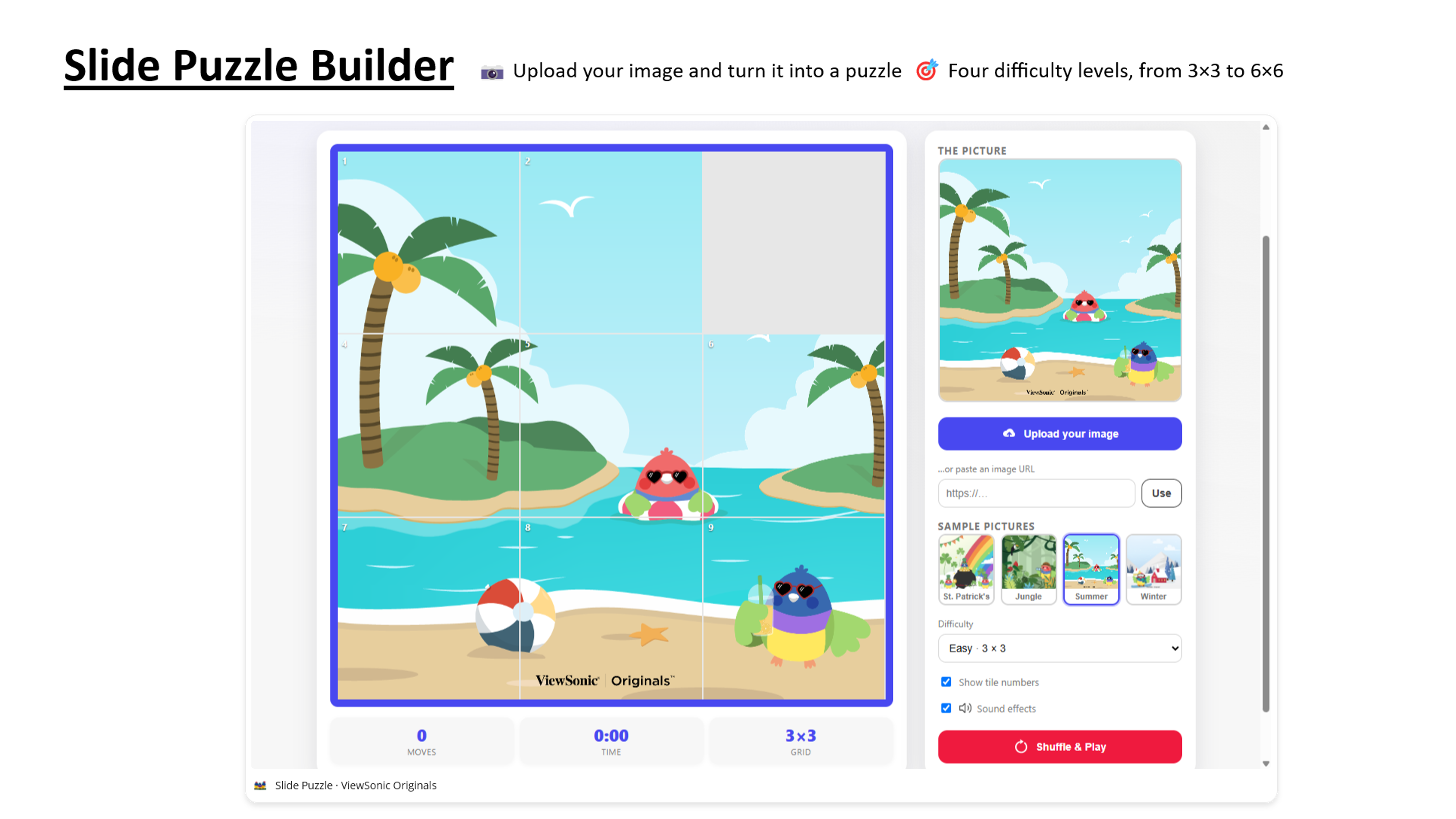
- Slide Puzzle Builder
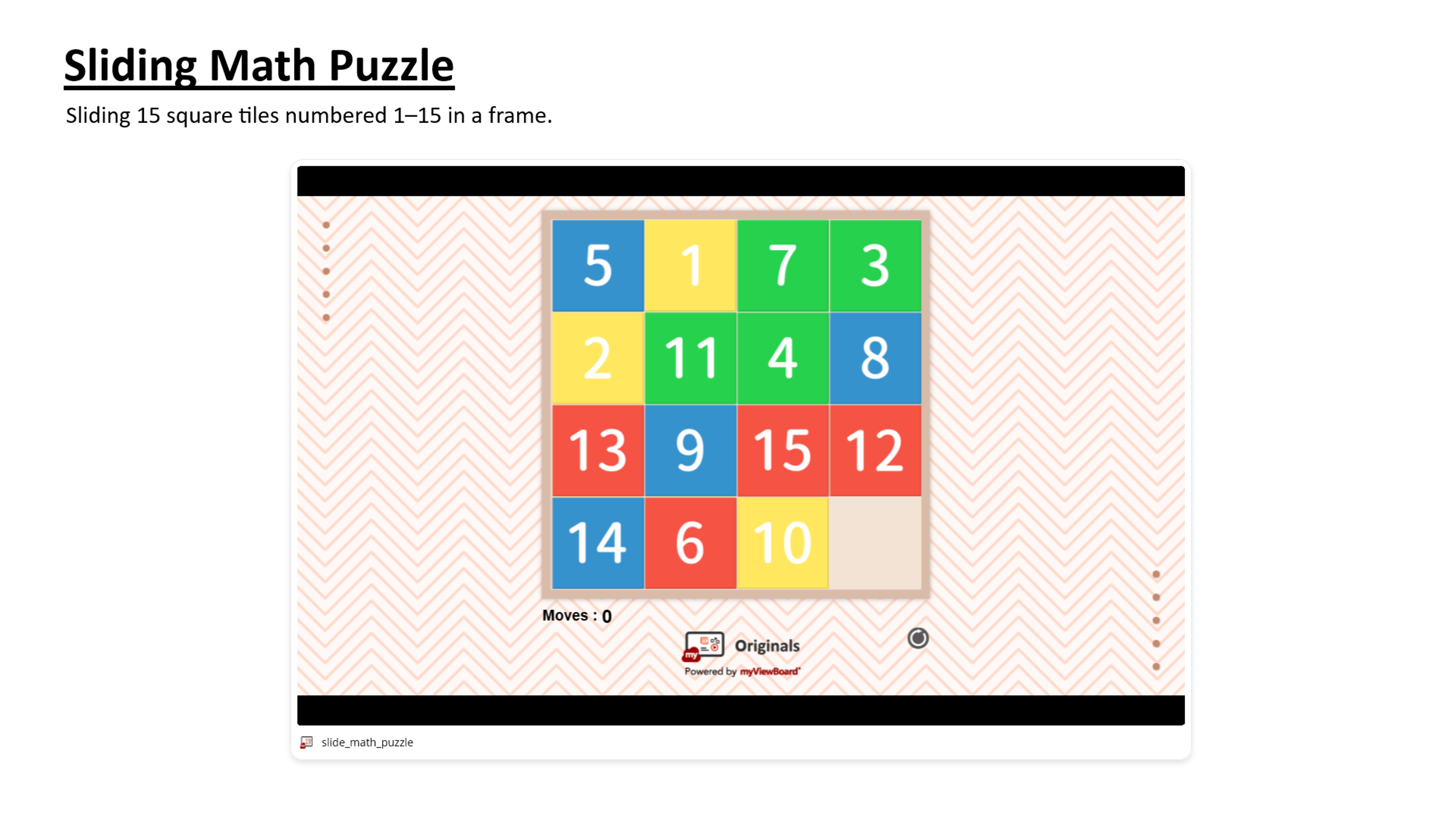
- Sliding Math Puzzle
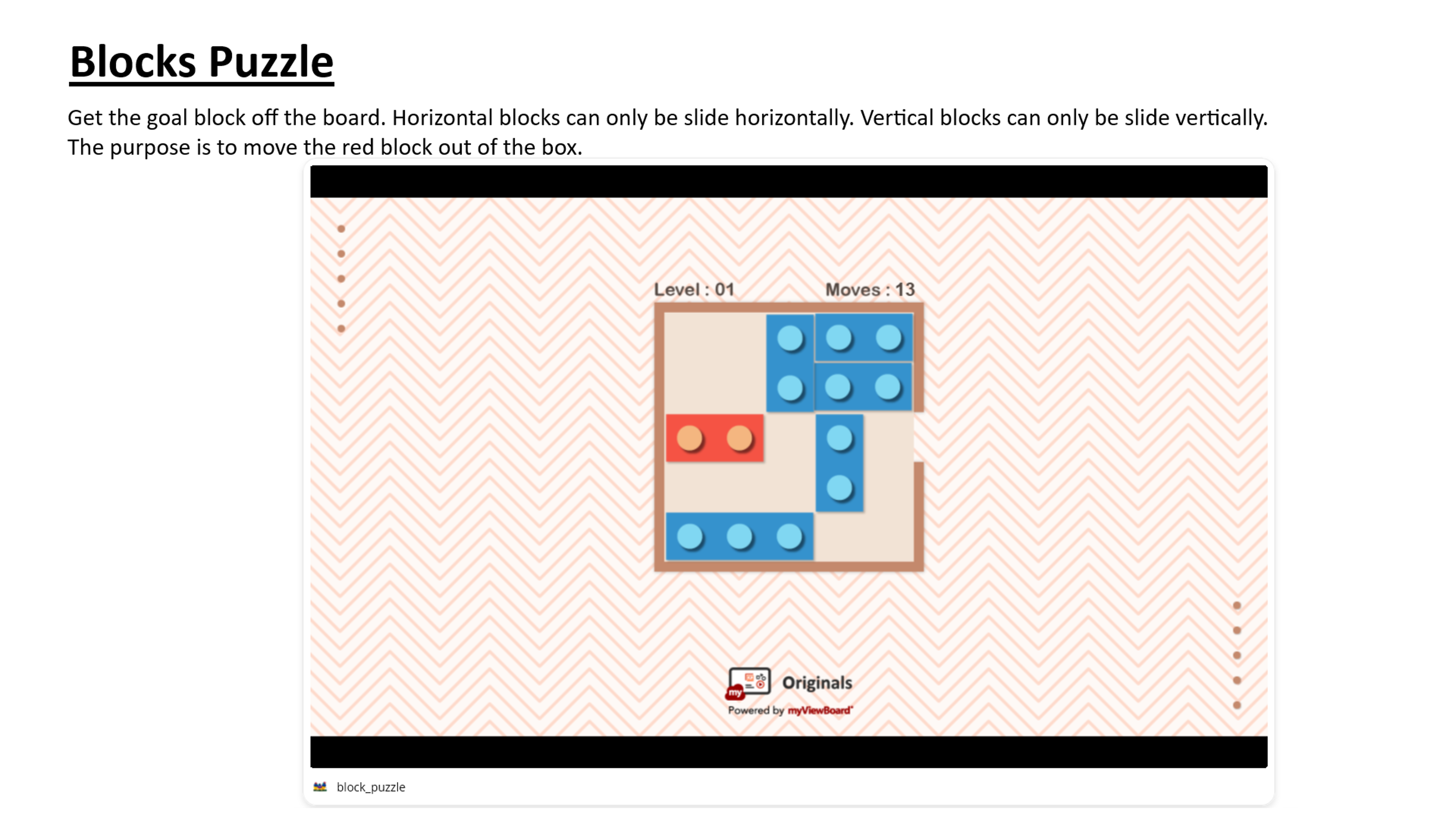
- Blocks Puzzle