

Finch Perfect Challenge
Finch Perfect Challenge🐦 Game utilize real-time sound input to drive gameplay, making them ideal for both vocal and instrumental training.
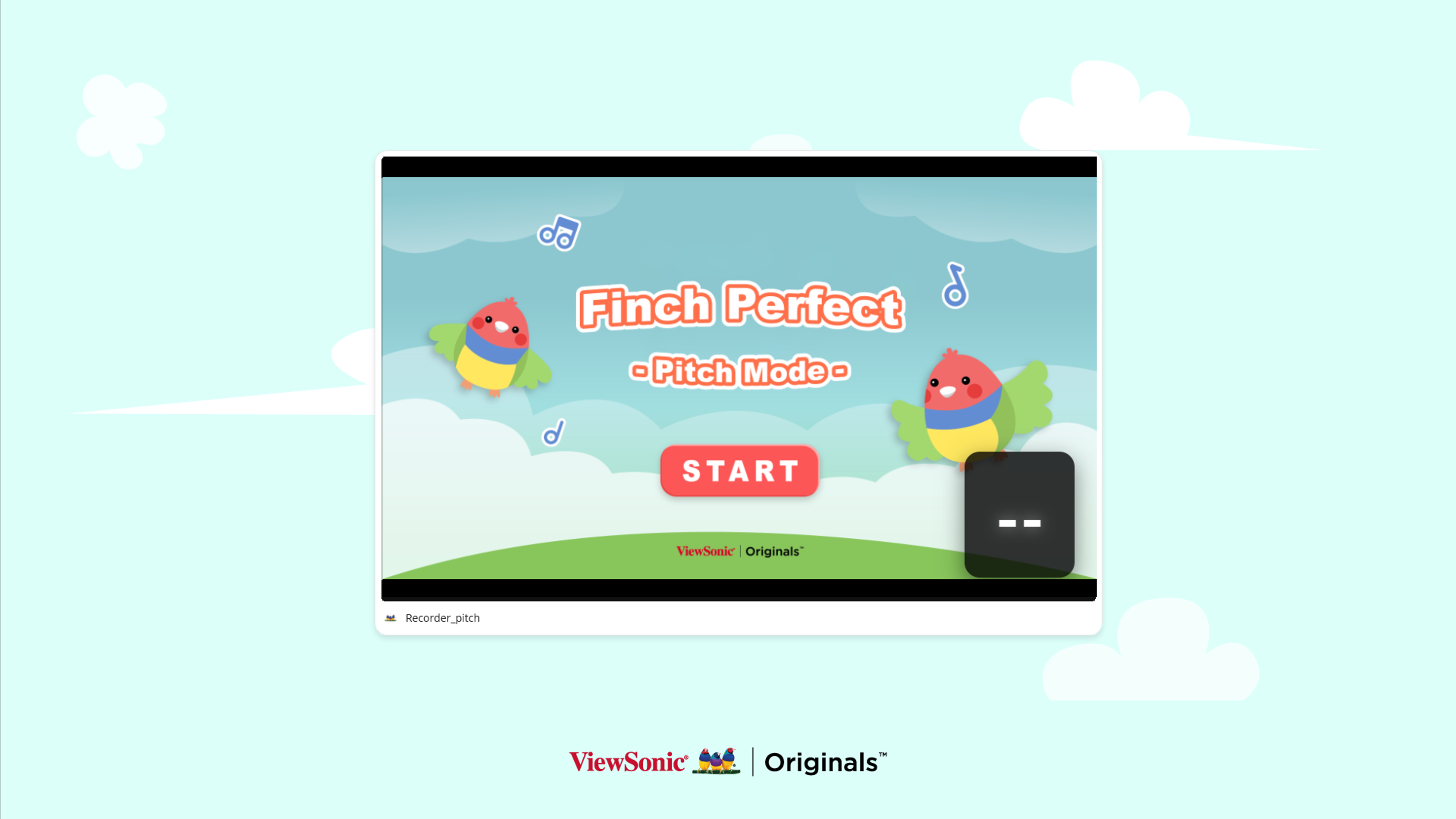
1. Finch Perfect: Pitch🎶
- Objective: Train pitch recognition and vocal control.
- How to Play: The Finch moves between four pitch zones (C, E, G, B). Students must match their vocal pitch to the designated zone to adjust the bird's height.
- Scoring: Successfully hitting a worm earns 5 points.
2. Finch Perfect: Volume🔊
- Objective: Develop an awareness of vocal dynamics and intensity.
- How to Play: Students control the Finch’s altitude using volume levels. High-placed worms require louder sounds, while lower worms require softer tones.
- Challenge: Catch as many worms as possible within the 60-second time limit.
🔍 Troubleshooting & FAQ
Q1: Why is the Finch not responding to my sound?
- Check Permissions: Ensure that your web browser or myViewBoard software has been granted Microphone Access.
- Hardware Connection: Verify that your microphone is properly plugged in and selected as the "Default Input Device" in your system settings.
Q2: The Pitch Mode isn't accurately detecting my notes. What should I do?
- Background Noise: High ambient noise in a classroom can interfere with pitch detection. Ask the class to be quiet during the challenge or move the performer closer to the mic.
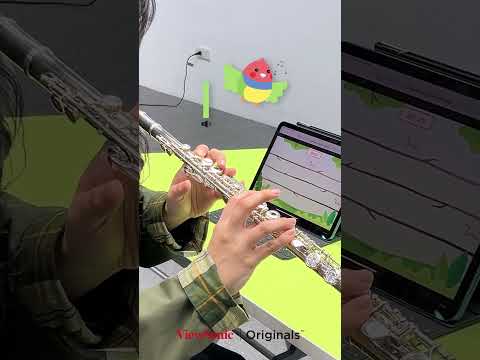
- Optimal Distance: When using high-frequency instruments like the flute, maintain a distance of 2–3 feet (60–90 cm) from the microphone to prevent audio clipping or distortion.
Q3: In Volume Mode, the Finch won't fly to the top even when I play loudly.
- Microphone Gain: Check your system’s "Microphone Boost" or input levels. If the gain is set too low, the software may not register the peak volume required to reach the highest worms.
- Distortion: If the sound is "peaking" (too loud/distorted), the system might struggle to read the input. Try stepping back slightly from the mic.
Q4: Which instruments are compatible with this game?
- Universal Support: While our demo features the flute, the Finch Perfect Challenge works with vocals, recorders, violins, or any monophonic instrument that produces a clear, steady pitch.